Skip to content
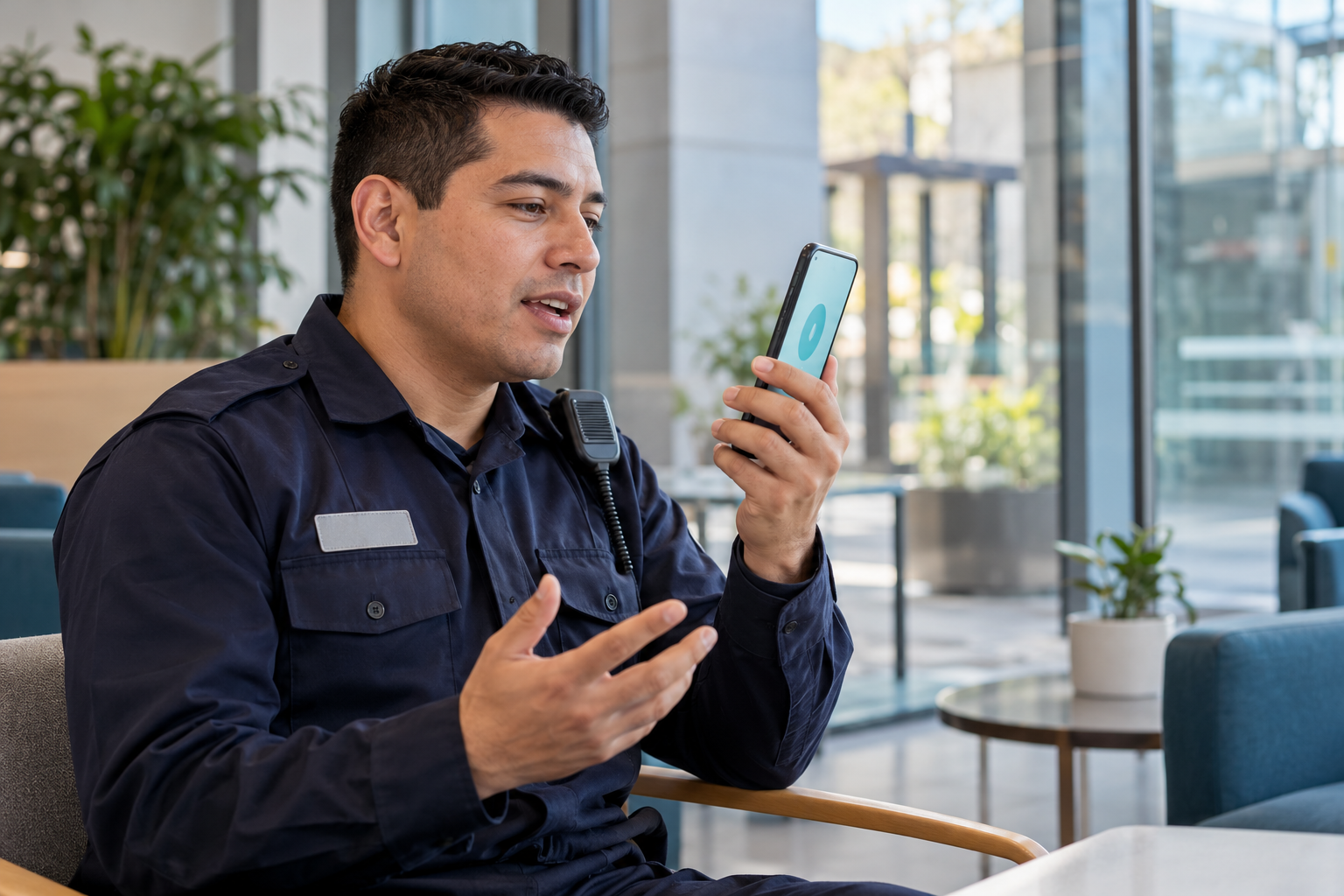
Uniformed security guard practicing by voice on his phone in a building lobby.

Security and Guarding

Your team changes.Prepare it to maintain the standard.

High turnover, replacements, and new sites. Bring onboarding, practice, and AI support to every guard's and supervisor's phone.

Turn what they learn into training decisions and evidence for your clients.

See a demo for my operation
  • 01Onboarding by role and site
  • 02LENA in the app and WhatsApp
  • 03AI Insights + MCP

High turnover. A foundation that stays.

Every replacement needs to know the role. Your onboarding can be ready.

Prepare a learning path by role and site and reuse it with every new hire. From the welcome through practice and assessment, each person knows what to learn, and supervisors see what needs reinforcement.

  1. New hire

    Learn the role and company procedures.

  2. Site transfer

    Learn the access points, contacts, and specifics of the new assignment.

  3. Replacement

    Review role-specific training and practice before taking on the tasks.

A shared foundation. Each service's specifics. Visibility to support every person.

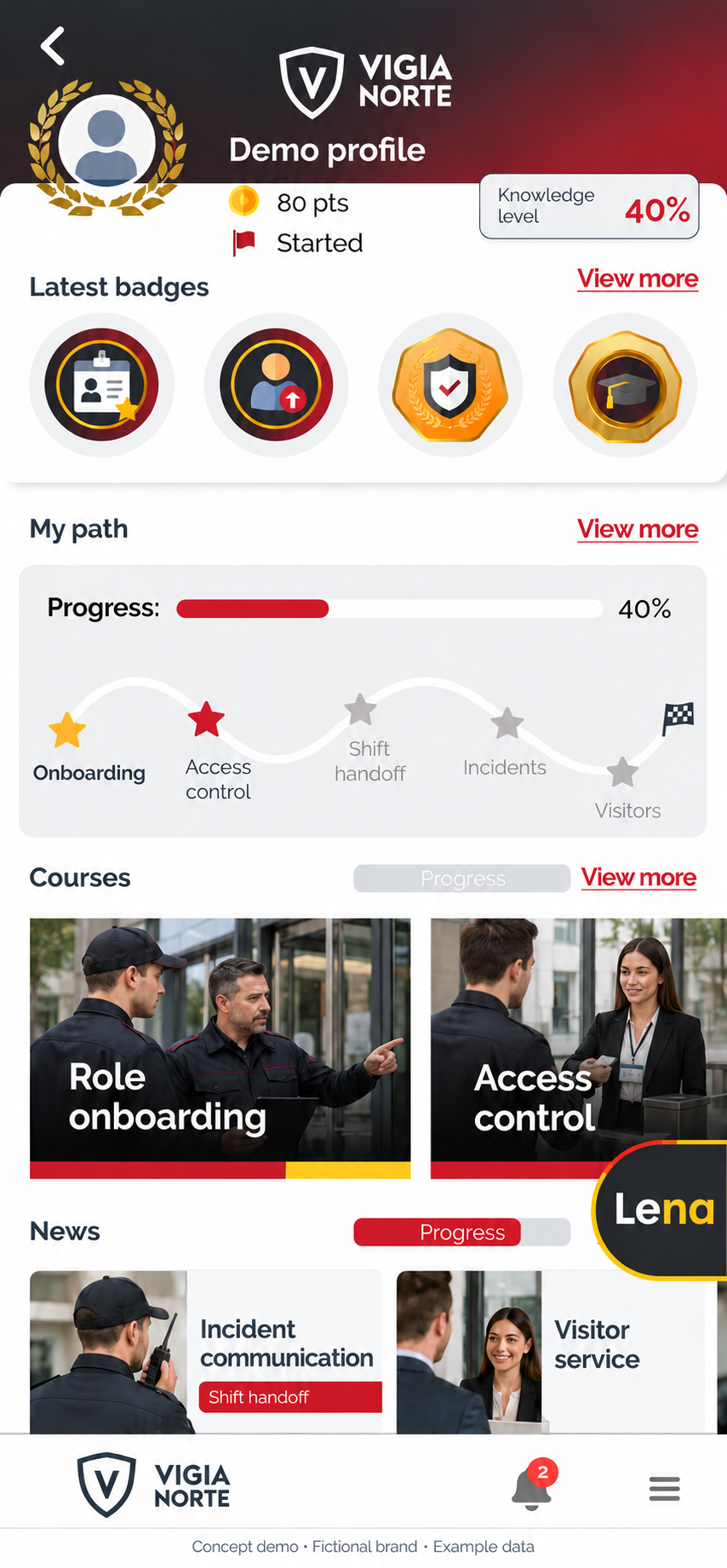
Closelly app adapted to the fictional VIGIA NORTE brand: demo profile with badges, onboarding progress, role and access-control courses, and news.
Adapted Closelly interface · VIGIA NORTE is a fictional brand.

App + WhatsApp

Training and AI support, wherever your team is.

24/7At any time,
from a phone.

LENA helps answer learning questions, explain a procedure, and review your organization's content. By voice or text, each person can ask for an example and keep learning.

Channels and activities are configured for each program. On-duty use follows service rules; operational decisions and emergencies retain their supervisory channels.
LENALearning support
WhatsApp
  • I'm moving to another site. What should I review?
  • Let's review the content enabled for your new site: access points, contacts, and role procedures.
  • Explain this procedure with an example.
  • We can go through it step by step and clarify whatever you need.
Voice and text · Enabled channels

Practice. Receive feedback. Try again.

Let the first difficult conversation be a practice run.

With LENA, guards and supervisors rehearse service situations. Conversational assessments show how they explain what they have learned; Readiness brings together skill-based results to guide reinforcement.

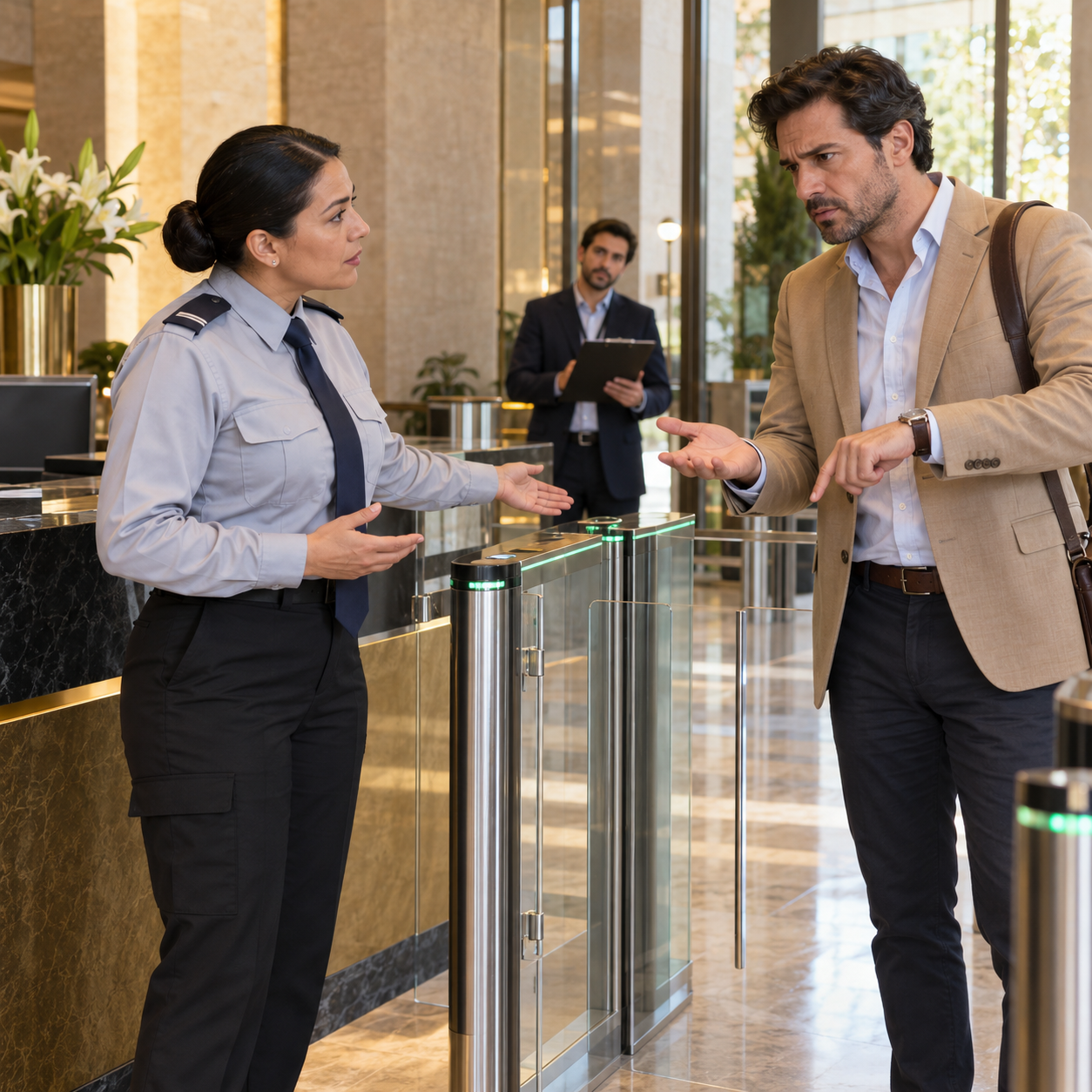
Security guard explaining the access protocol to an upset visitor beside building turnstiles.
ACCESS CONTROL PRACTICE

“They always let me in. Why not today?”

FEEDBACK FOR THE NEXT ATTEMPTYou explained the requirement clearly. Next time, clarify the authorization channel.
  • A visitor demands entry without authorization.

    Practice explaining the boundary and referring the case according to the protocol.

  • The incoming shift receives incomplete information.

    Rehearse a clear, organized handover report.

  • A supervisor brings in a replacement.

    Practice explaining the role and checking understanding.

Practice assesses learning; authorization and field operations follow their respective processes.

AI Insights / Intelligence to act

Ask where to reinforce.
Decide with evidence.

Talk with learning data. Identify recurring questions, assessment difficulties, and teams that need support. Prioritize reinforcement and explain to clients how readiness is progressing.

Which guards need reinforcement on the access protocol?

  1. 01 / IDENTIFY

    What is difficult to understand.

    Difficulties explaining when to escalate an exception.

  2. 02 / DECIDE

    Where to focus reinforcement.

    A capsule on that step and a new practice activity for the team.

  3. 03 / CHECK

    What changed afterward.

    Review results from the next assessment.

Review and decisions belong to your team.
  • Who still needs to complete onboarding?
  • Which questions recur?
  • What changed after reinforcement?

For your client meeting: progress, gaps, and training actions by site or contract, according to configured groups and permissions.

Training analysis.
It is not monitoring of field operations.

Connected through MCP

Your training data,
also in ChatGPT and Claude.

Query authorized courses, progress, and reports from the AI tools you already use. Prepare a summary for supervisors or analysis for your next meeting.

  • ChatGPT
  • Claude
  • Closelly MCP

“Summarize progress in the courses assigned to this team.”

Data access and scope are defined by permissions. MCP does not automatically expose all Insights capabilities.

Content for your operation

From your procedures
to learning experiences.

Create through conversation with AI, commission production from Closelly, or work with us. Turn manuals into videos, podcasts, flashcards, assessments, and role-plays.
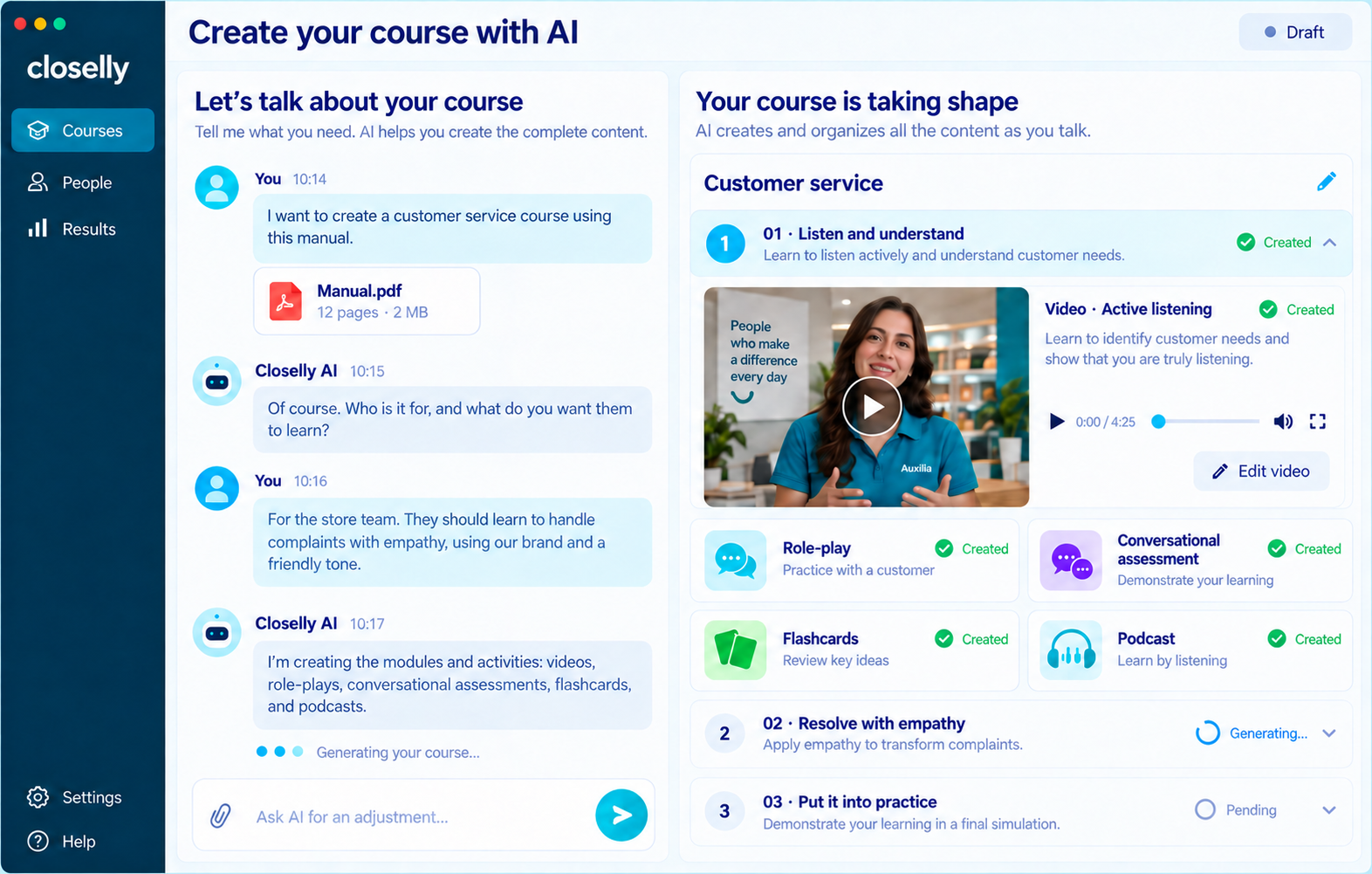
Closelly interface for turning materials into a course with activities.
Product view published by Closelly. Your responsible staff review and validate content before publication.

Chile / SENCE

Less fragmented follow-up.
More visibility into the process.

Include course attendance recording and automated sworn declaration signing within your program's scope.

  • Course attendance recording. Workflow according to modality and configuration.
  • Declaration signing and reminders. Automated follow-up; WhatsApp with LENA as an option.
  • Outstanding items and reports. Identify where to support each participant.
  • Moodle connection. Synchronization options according to implementation.
Applicability depends on the course, modality, and corresponding requirements. It does not imply a SENCE partnership or certification, nor guarantee eligibility or funding.

Bring a real procedure.
See how it becomes preparation.

Let's review onboarding, a site transfer, or a conversation your team needs to practice.

See a demo for my operation