Learn in short moments
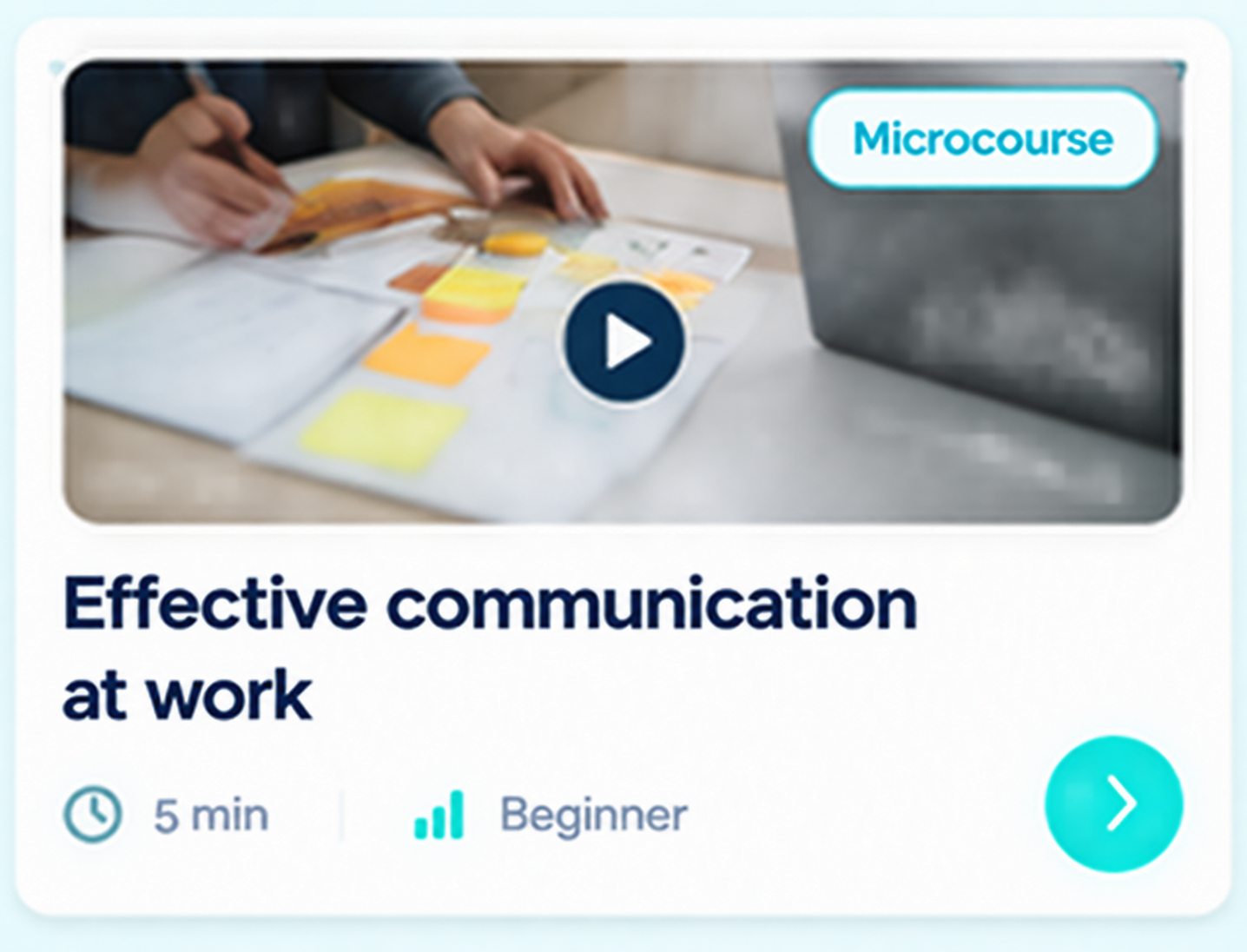
Explore specific topics through videos, questions, and activities that make it easier to progress step by step.
AI-POWERED TRAINING PLATFORM
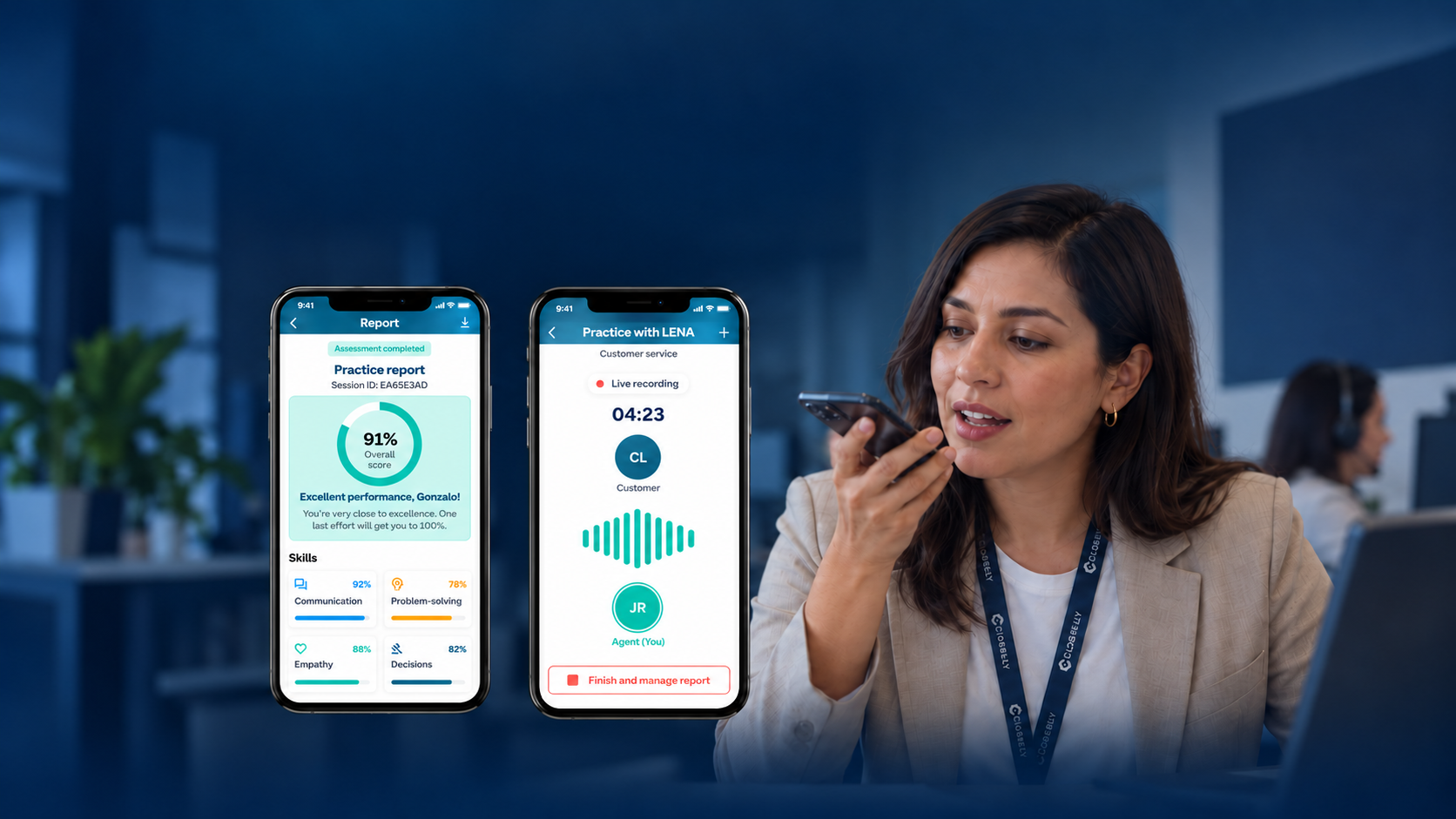
With LENA, your teams talk by voice, practice workplace situations, and receive feedback on their performance. All connected to learning paths and content.
Example session
LEARNING PATHS
Turn your training objectives into clear journeys. Connect courses and activities in a path each person can explore from the app, with stages and progress in view.
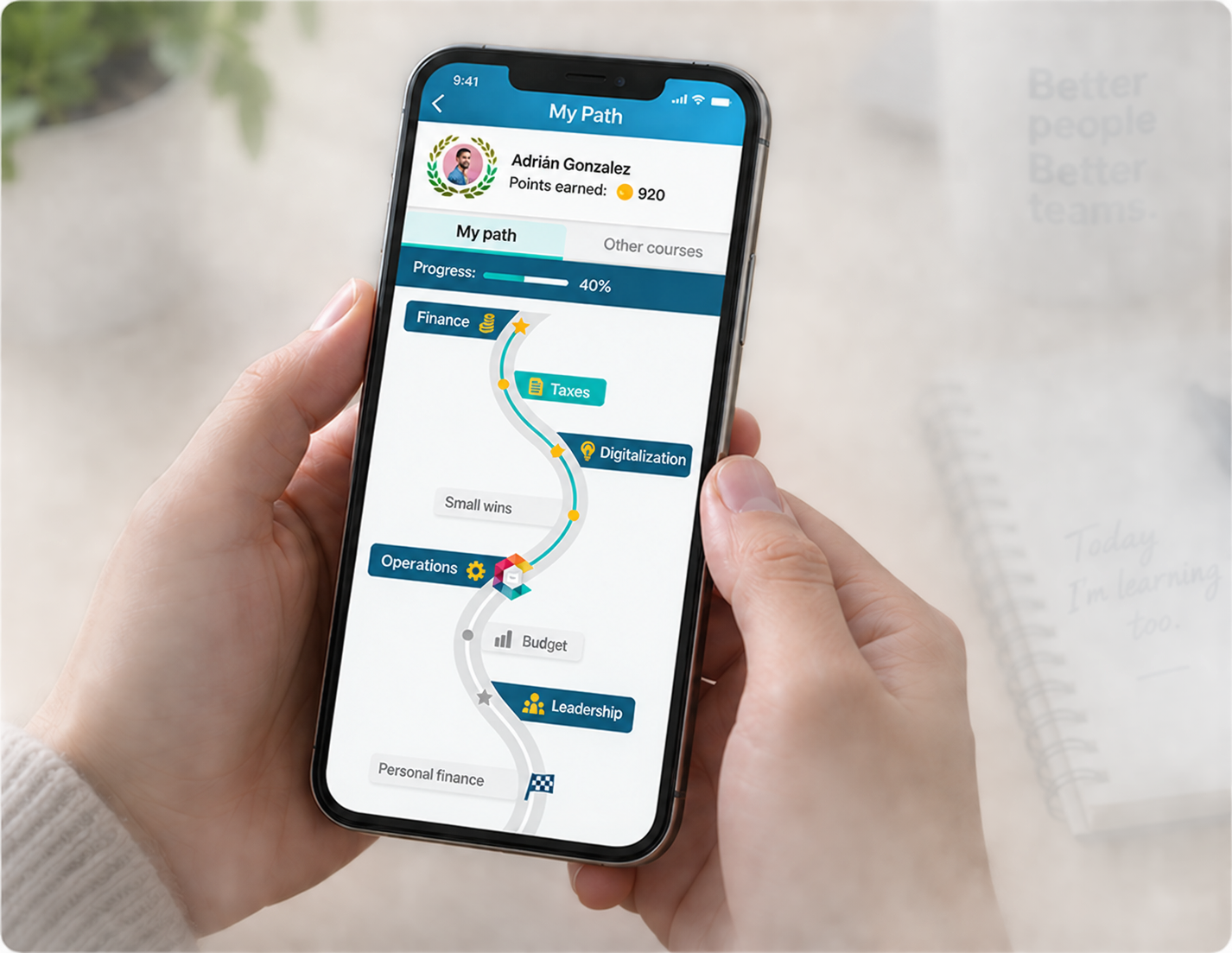
Organize learning around what you need to develop: onboarding, a process, a skill, or a new challenge.
Order content and activities so every stage contributes to the journey.
Help people recognize what they have achieved and what lies ahead.
MICROLEARNING AND GAMIFICATION
Bring training into everyday work with microcourses and short activities, available in a mobile experience that invites participation.
Explore specific topics through videos, questions, and activities that make it easier to progress step by step.
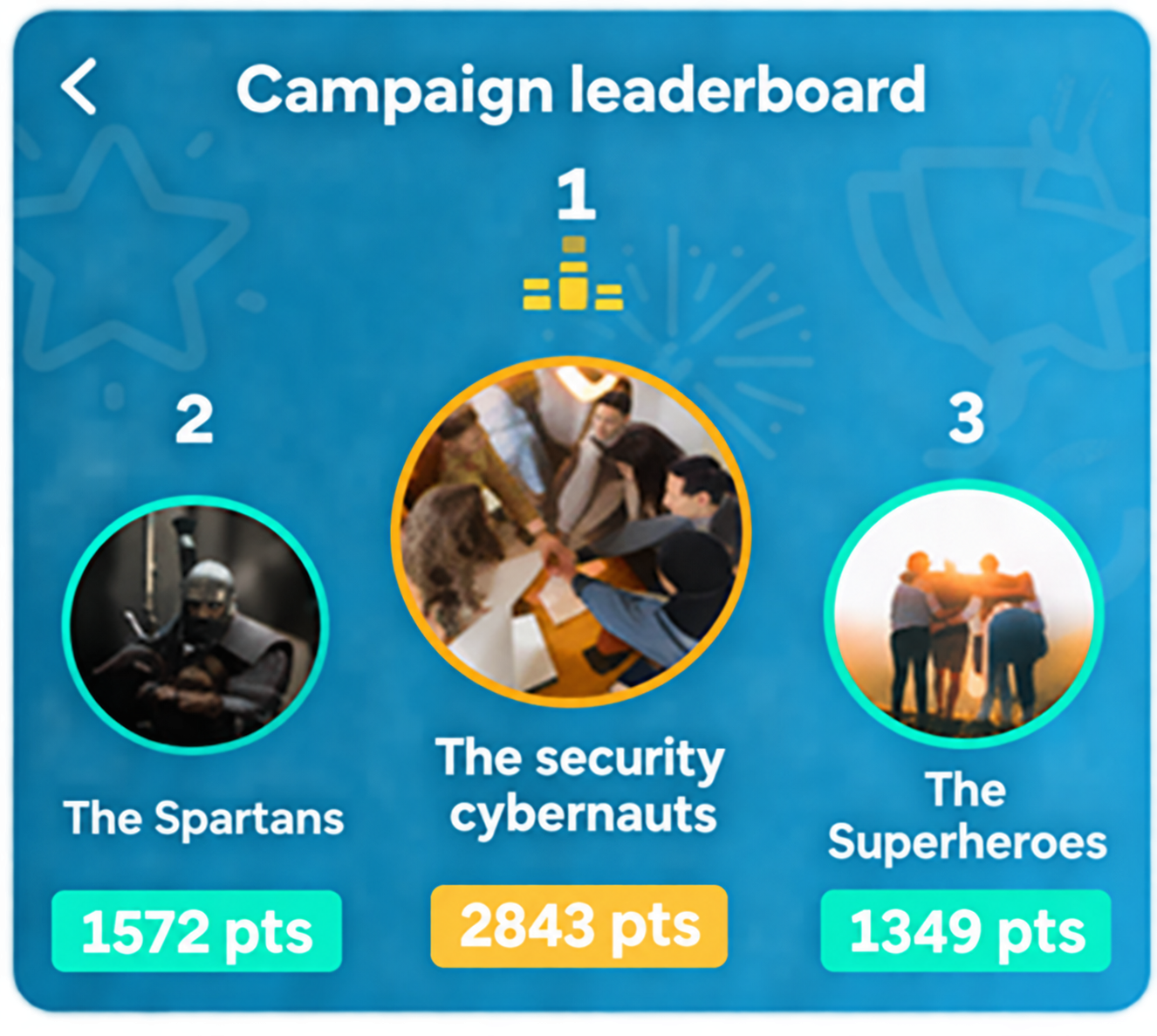
Activate individual or team campaigns and challenges to reinforce content and encourage participation.
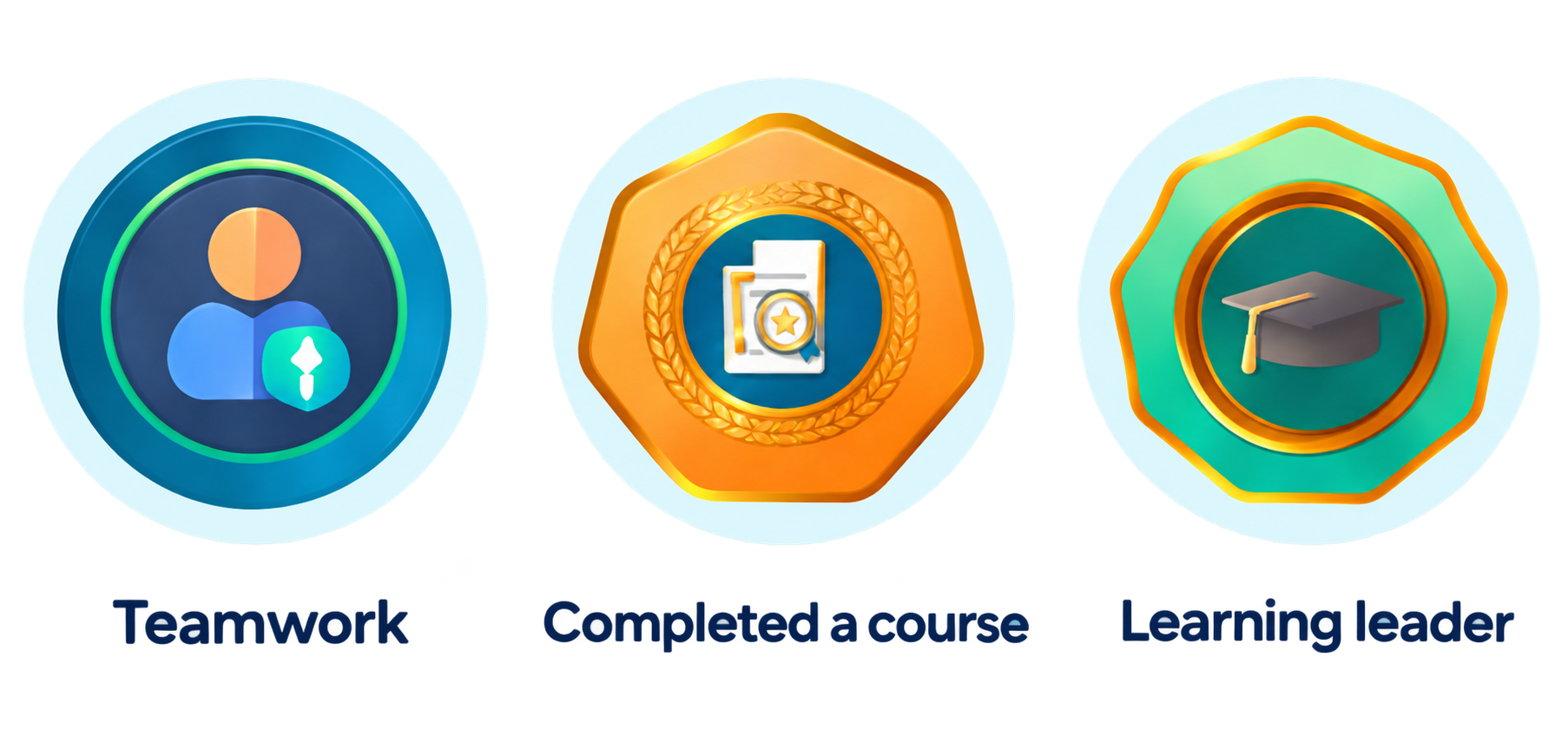
Make effort visible with points, badges, and leaderboards. Incorporate rewards and redemptions into your motivation strategy.
PRACTICE WITH LENA
Talk by voice or text with AI that uses your organization's authorized knowledge. Ask questions, rehearse workplace situations, and receive feedback to try again.
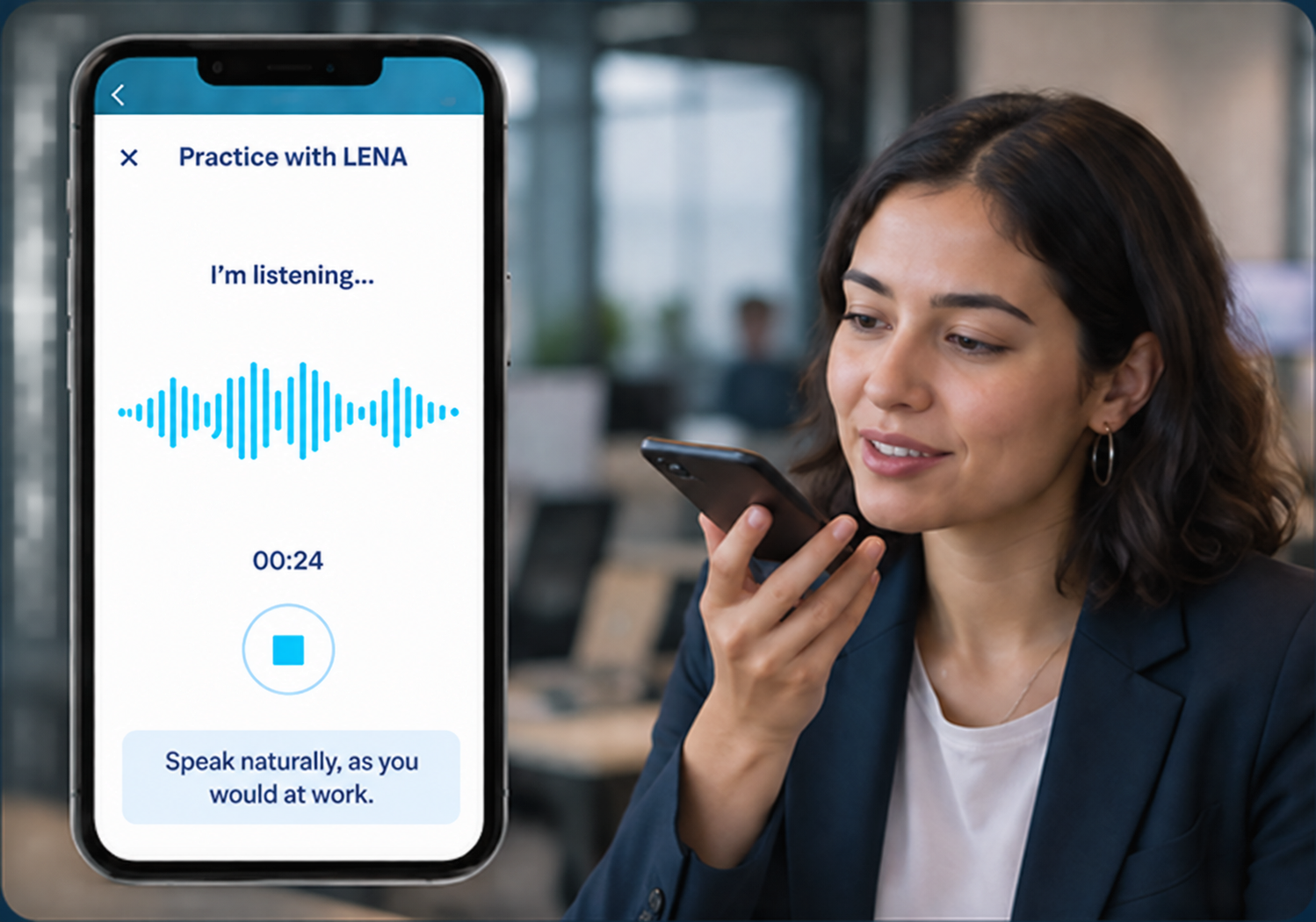
LENA considers the profile, activity, and content enabled for each group.
Practice serving a customer, responding to an objection, or giving feedback to a team.
Explain, respond, and apply knowledge through conversation.
Role-plays and conversational assessments are included in the platform.
Meet LENACOMMUNICATION AND PARTICIPATION
Share relevant information, invite people back to training, and create spaces to listen, share, and support your teams.
Share updates and reminders through push notifications and in-app messages.
Listen to your teams and gather information to guide your next steps.
Receive photos, videos, or audio showing how learning is applied.
Enable exchange and support within the experience.
Support onboarding, assistance, or re-engagement when included in your project's scope.
AI COURSE CREATION
Share your manuals and materials and talk with AI about what you need to teach. From that context, create complete courses: curriculum, modules, and learning activities.
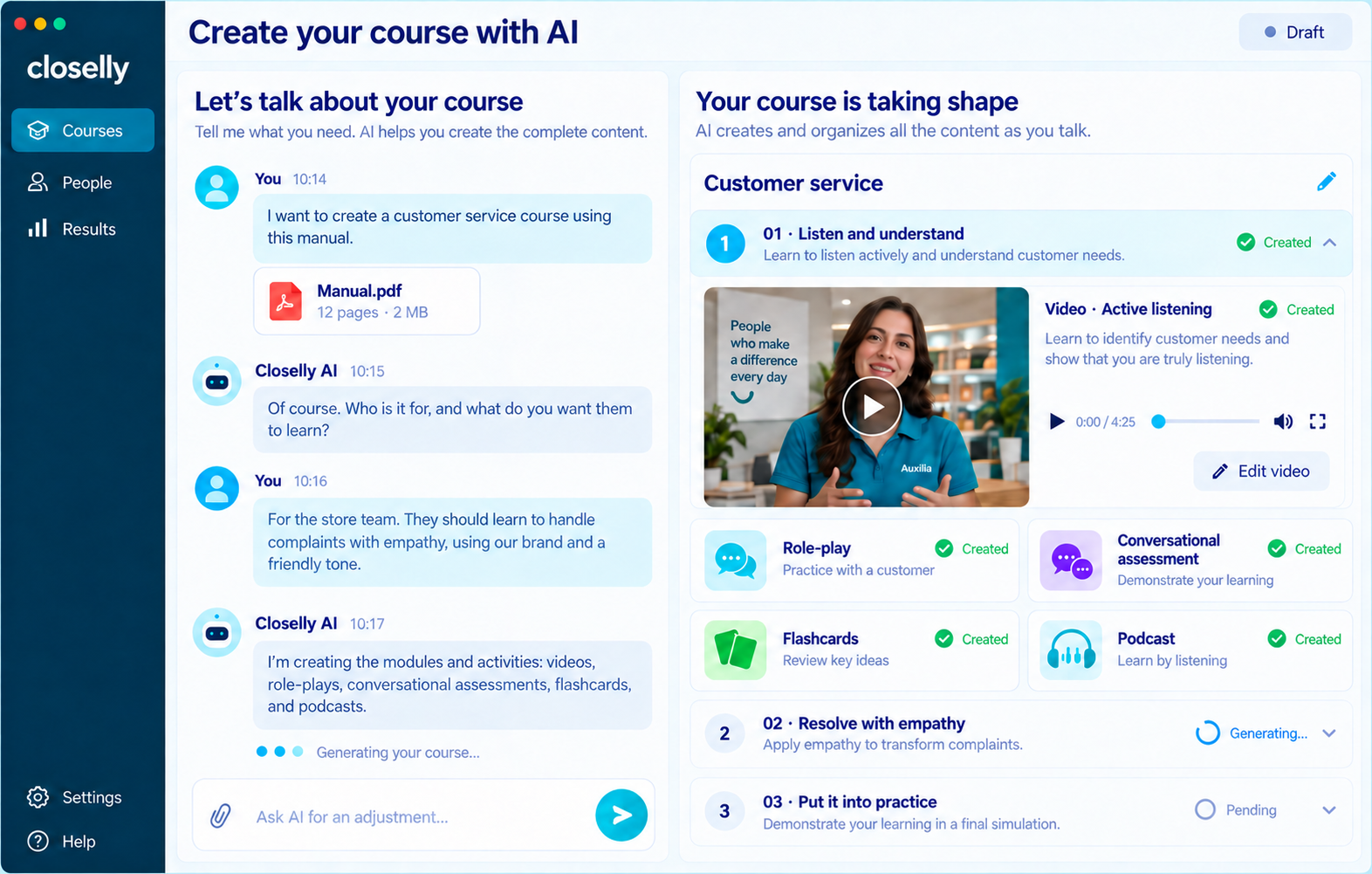
Review and adapt content to your organization's style, brand, and personality.
From your materials to a training experience you can edit and manage within Closelly.
TRAINING MANAGEMENT
Manage people, groups, content, and assignments from one place. Adapt each program to your organization's needs.
Group participants according to your organization's structure and programs.
Define what each group needs to learn and organize its courses and learning paths.
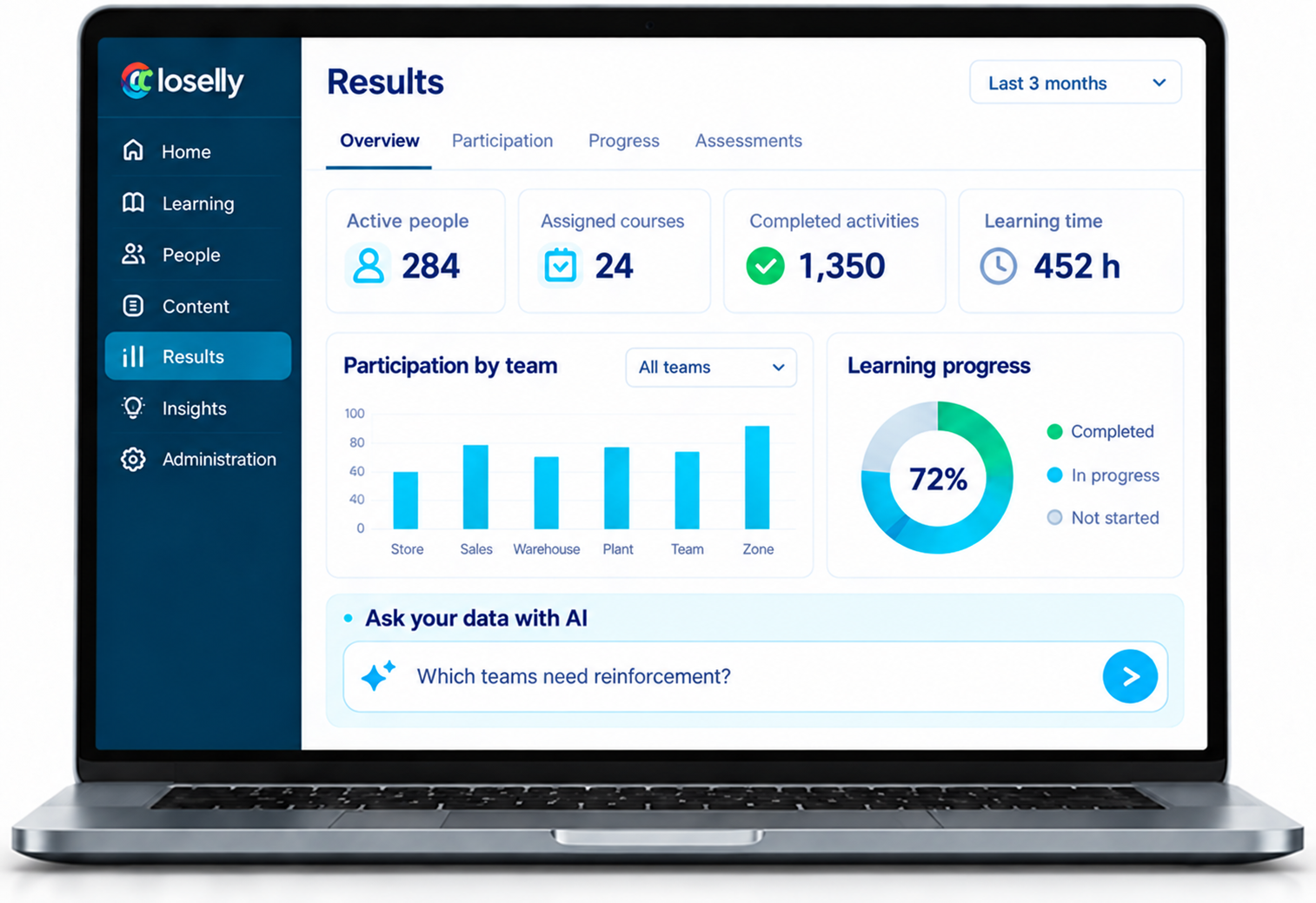
Review progress and results to see where support is needed.
AI INSIGHTS AND MCP
Understand what is happening with learning and turn available information into questions, findings, and next steps for your team.
Ask questions in natural language, compare progress, and explore participation and learning patterns. Organize findings into reports that help you decide where to reinforce learning.
For example
“Which courses have the lowest progress, and which groups need more support?”
Explore by course, group, or period, according to the enabled data.
Connect a compatible assistant, such as ChatGPT or Claude, with your organization's authorized data in Closelly. Query courses, learners, progress, and reports through conversation.
For example
“Prepare a summary of progress by course for our next meeting.”
Access respects your organization's permissions.
Available capabilities and data depend on each project's configuration and permissions.
Explore AI Insights and MCPINTEGRATIONS AND AUTOMATION
Connect Closelly with the systems your organization already uses and reduce manual training-management tasks.
Assess connections with user data sources and the systems your organization already uses.
Configure assignments, invitations, or reminders according to agreed rules.
Share progress and results with reports or destination systems, according to the integration's scope.
Availability and scope are subject to technical assessment and project configuration.
Explore integrationsYOUR OWN TRAINING ECOSYSTEM
Your brand, content, and objectives shape the experience.
Customize Closelly or develop an app with your identity, according to your project's scope.
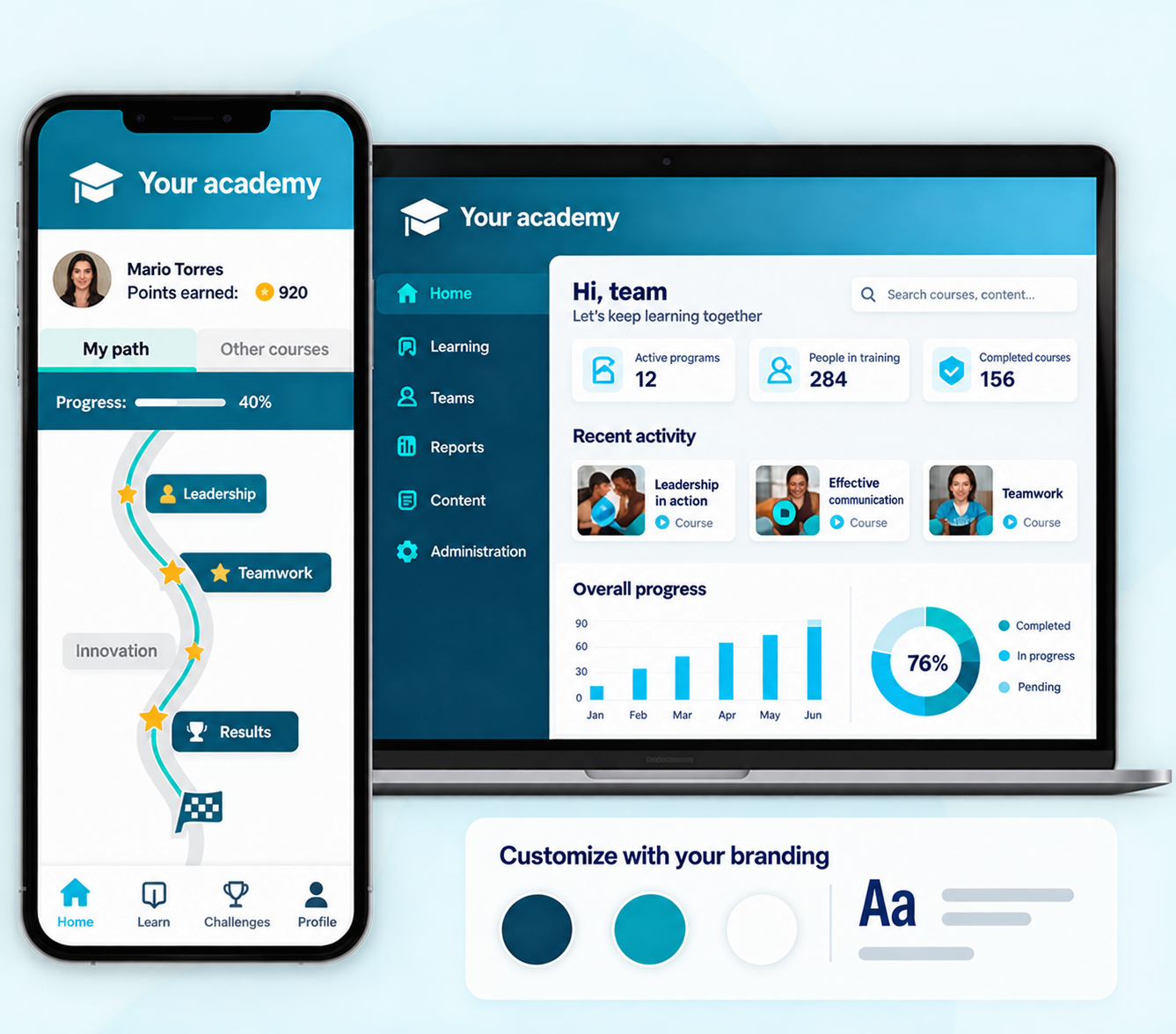
The heart of the experience: learning, practice, and tracking.
Browser access to enabled experiences.
Support or specific programs, depending on the project.
Available features vary by channel and configuration.
Training needs analysis
Align training with your organization's needs and objectives.
Readiness
Combine conversational assessment and role-plays to observe knowledge and its application.
Tell us whom you need to train and which challenge you want to solve. We will show you how Closelly can support you.